---
gitea: none
include_toc: true
---
# Nginx
## Installation
```
$ sudo apt-get update
$ sudo apt install nginx
$ sudo ufw enable
$ sudo ufw allow 'Nginx Full'
```
## website einrichten
```
sudo mkdir /var/www/thewho.ch
sudo chown -R www-data:www-data /var/www
sudo vi /etc/nginx/sites-available/thewho.ch
# inhalt:
server {
listen 80;
listen [::]:80;
server_name thewho.ch www.thewho.ch;
root /var/www/thewho.ch;
index index.php;
location / {
try_files $uri $uri/ =404;
}
location ~ \.php$ {
include snippets/fastcgi-php.conf;
fastcgi_pass unix:/var/run/php/php7.2-fpm.sock;
}
}
# aktivierung:
sudo ln -s /etc/nginx/sites-available/thewho.ch /etc/nginx/sites-enabled/
rm /etc/nginx/sites-enabled/default
# testen auf syntax-fehler:
sudo nginx -t
# neu starten
sudo systemctl reload nginx
# testseite erstellen
vi /var/www/thewho.ch/index.html
# inhalt:
thewho.ch
thewho.ch
# dann noch DNS-Eintrag auf neue IP machen in hosttech admin center.
# irgendwann sollte www.thewho.ch im browser auf das neue index.html verweisen.
# -- mysql
# transfer .sql from laptop to server
(cmd) scp "D:\Dropbox\Backups\_websites\thewho.ch DB\whoarchive.sql" administrator@33766.hostserv.eu:/home/administrator
# import
sudo mysql -uroot -p whoarchive < ~/whoarchive.sql (falls nur tables)
# oder in diesem bsp. der fall, create db in sql vorhanden:
cd ~ && sudo mysql
> source whoarchive.sql
# create another user than root
sudo mysql
> CREATE USER 'rr'@'%' IDENTIFIED WITH mysql_native_password BY 'xxx';
# der datenbank rechte geben
> GRANT ALL ON whoarchive.* TO 'rr'@'%';
# -- git repo klonen für html/php dateien
administrator@33766:/var/www/thewho.ch$ git clone git@github.com:delta-centauri/Swiss-The-Who-Archive.git
# dann alles ins thewho.ch Verzeichnis verschieben
# der ordner archive beinhaltet die bilder, welche separat von windows aus hochgeladen werden müssen:
(cmd) scp "D:\Dropbox\Backups\_websites\thewho.ch\archive.zip" administrator@33766.hostserv.eu:/var/www/thewho.ch/archive
#entpacken:
unzip /var/www/thewho.ch/archive/archive.zip -d /var/www/thewho.ch
rm -rf /var/www/thewho.ch/archive/archive.zip
#wenn alles kopiert:
sudo chmod -R 750 /var/www/thewho.ch
sudo chown -R www-data:www-data /var/www
# -- ssl
# create certbot repo
sudo add-apt-repository ppa:certbot/certbot
# install certbot
sudo apt-get install python-certbot-nginx
# create certificate
$ sudo certbot --nginx -d thewho.ch -d www.thewho.ch
# auto renewal
$ crontab -e
0 11 * * * /usr/bin/certbot renew --quiet
```
## Password Authentication
Check https://www.digitalocean.com/community/tutorials/how-to-set-up-password-authentication-with-nginx-on-ubuntu-14-04
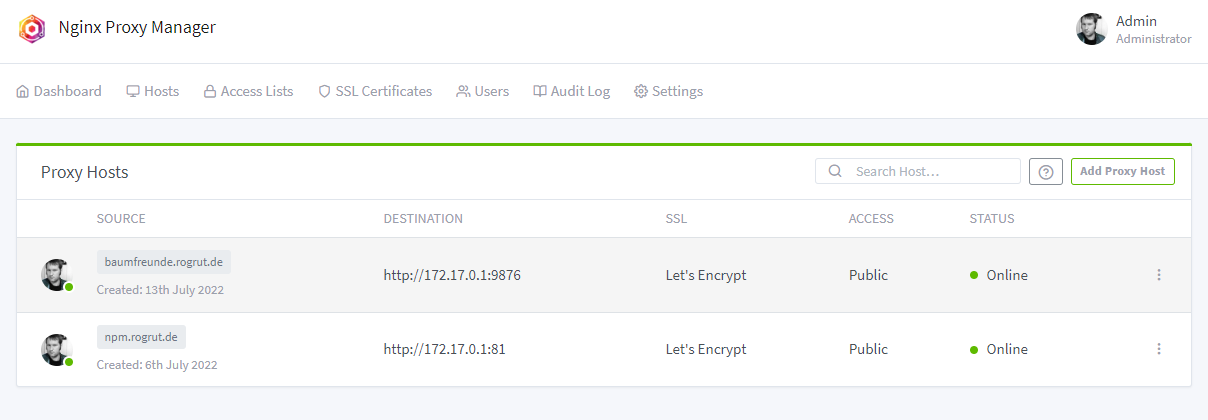
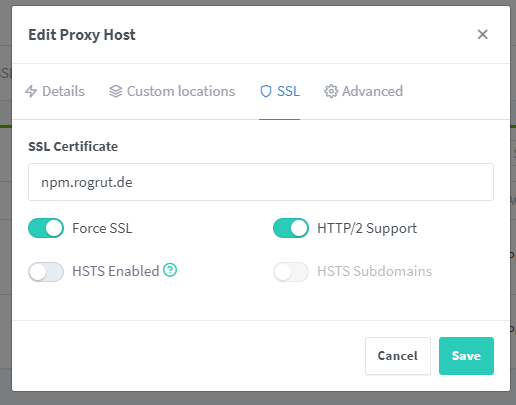
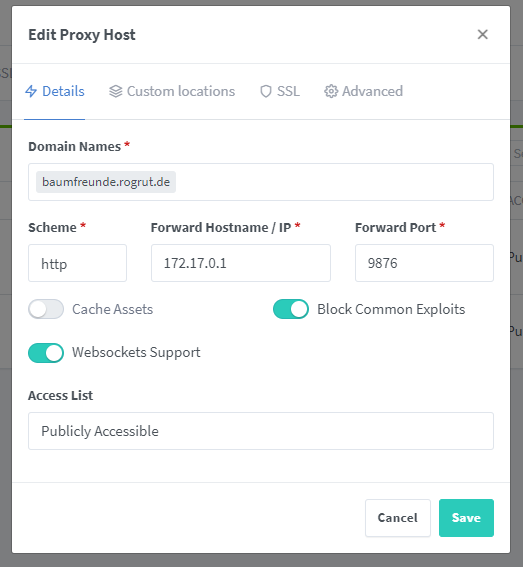
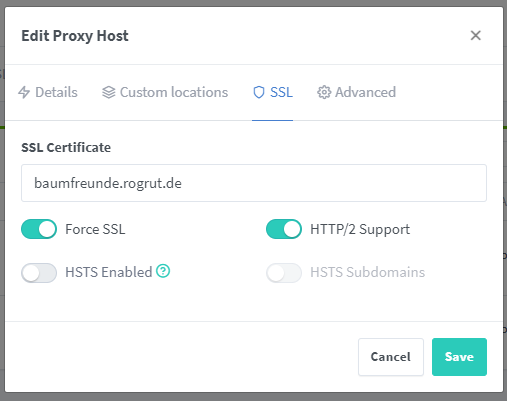
## NPM Nginx Proxy Manager
https://www.youtube.com/watch?v=cjJVmAI1Do4&t=1480s